Floppy Disks, Flight Disruptions, and a Lesson for Every Business
On November 5, 2026, the Federal Aviation Administration announced that it had begun replacing decades-old information-display systems that still relied on floppy disks. The modernization will introduce the Enterprise Information Display System, or E-IDS, at 435 sites by the end of 2028. Eight days after the announcement, the FAA issued a nationwide ground stop following communications problems affecting multiple Air Route Traffic Control Centers. [faa.gov], [faa.gov]
Were the two events related? Official information available at the time did not establish a connection, and we are not suggesting that the floppy-disk systems caused the communications disruption. But the timing provides a useful reminder for every business owner: aging technology eventually becomes a business risk, whether or not it ever makes headlines.
What happened, and why it matters to you
The facts are straightforward. The FAA is replacing four information-display systems dating back to the 1980s with E-IDS, a secure, consolidated platform that gives air traffic controllers faster access to weather information, equipment notices, air-traffic conditions, flight alerts and other critical operational information. The first deployments include facilities in Atlantic City, Nashville and Rochester, along with data-processing hubs in Atlanta and Salt Lake City. [faa.gov], [transportation.gov]
Shortly after the modernization announcement, a separate nationwide communications disruption affected multiple Air Route Traffic Control Centers. The FAA said its technicians were investigating the issue. [faa.gov]
We will not speculate about the cause. What matters for your business is the broader lesson: mission-critical legacy technology can remain in service far longer than anyone expects. The longer it stays, the greater the potential for outages, hardware failures, unsupported software, unpatched vulnerabilities and increased exposure to cyberattacks.
Technology does not have to fail completely before it becomes dangerous. Unsupported hardware, aging software, forgotten systems and accumulated technical debt quietly increase risk every year. That is why modernization is no longer simply an IT project. It is part of business continuity, cybersecurity and risk management.
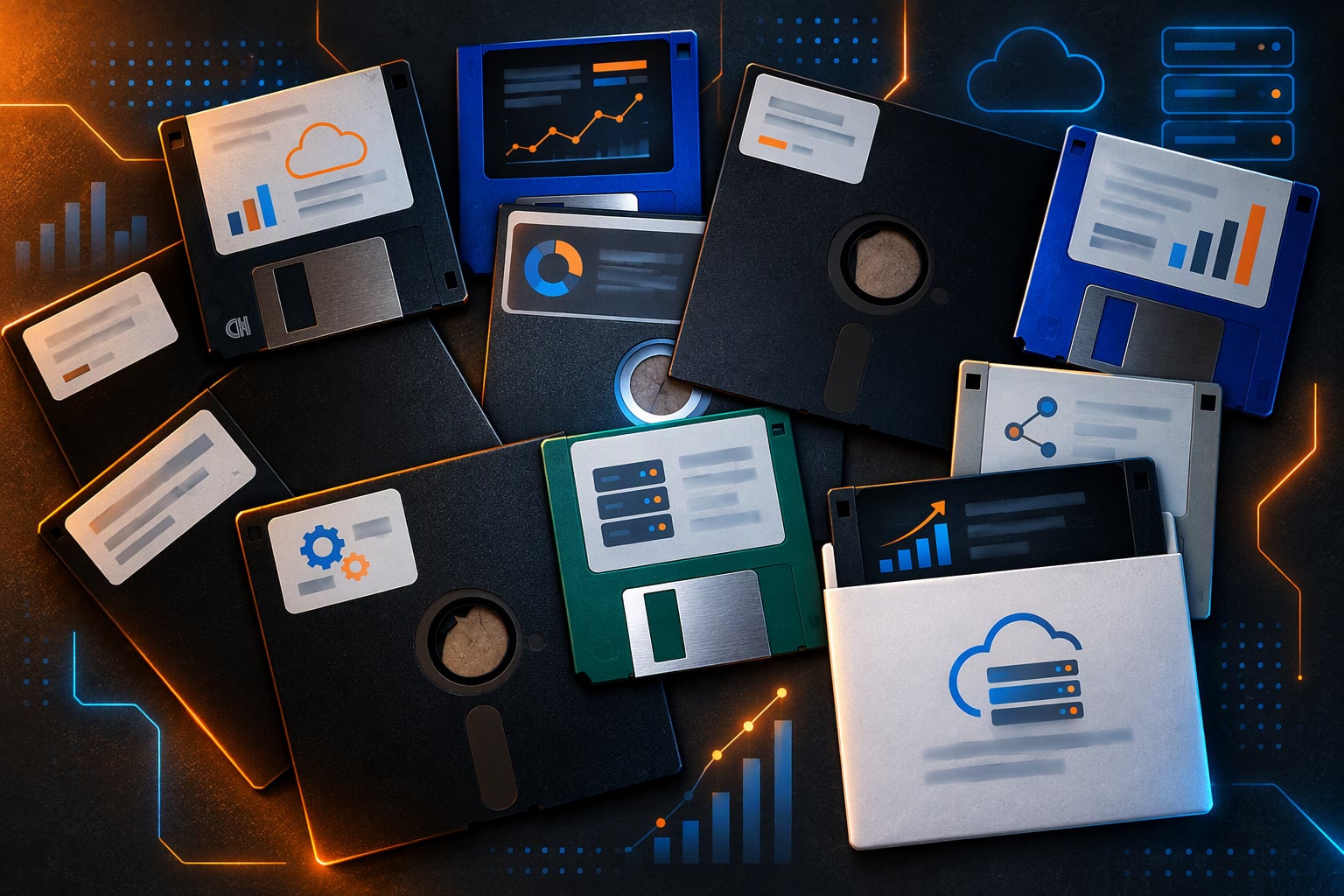
Legacy storage like floppy disks can stay in service far longer than anyone expects.
Practical steps to reduce legacy technology risk
1. Build an honest inventory
You cannot manage what you do not know you have. Start with a list of every system your business depends on, including the systems nobody thinks about until they stop working:
- Computers, servers, firewalls, switches and Wi-Fi access points
- Line-of-business applications, especially older applications that run on only one computer or server
- Specialized equipment with an embedded computer, including laboratory, manufacturing, medical and point-of-sale devices
- Old file shares, backup drives and “temporary” systems that became permanent
- Cloud services, integrations and automated processes that depend on individual accounts, undocumented credentials or outdated APIs
2. Check support status for each item
For every item on the list, document whether the manufacturer still provides security updates, replacement parts and technical support. Anything that no longer receives security patches deserves closer attention because newly discovered vulnerabilities may never be corrected.
Also identify systems that technically remain supported but depend on an outdated operating system, browser, database, programming framework or third-party component.
3. Rank by business impact, not age
Not every old system is an emergency. Ask these questions about each one:
- If this system stopped working tomorrow, how much of the business would stop with it?
- If an attacker compromised this system, what other systems or data could be reached from it?
- How long would it take to restore or replace the system?
- Does anyone still know how it works?
Systems with high operational impact, broad network access and limited recovery options should go to the top of the modernization plan.
4. Protect what you can't replace yet
Sometimes a legacy system must remain in service because of vendor limitations, regulatory requirements, specialized equipment or budget constraints. In that situation, reduce the risk surrounding it:
- Place it on a segmented network so it cannot communicate freely with everything else.
- Restrict who can sign in, and require multifactor authentication wherever the system supports it.
- Remove direct internet access if the system does not require it.
- Limit inbound and outbound network traffic to the specific services it needs.
- Monitor the system for unusual activity.
- Make sure its data and configuration are included in your backup plan.
- Document the compensating controls and the planned replacement date.
5. Make sure you can recover
Older hardware fails, and replacement components can be difficult or expensive to find. Confirm that critical data is backed up, that at least one protected copy is stored off-site or in the cloud, and that your organization has successfully tested a restoration.
A successful backup notification is not the same as a successful recovery test. Document what your team would do if a critical system became unavailable for one day, one week or permanently.
6. Turn the list into a roadmap and budget
The FAA is using a multiyear deployment plan, and that is a reasonable model for most businesses. Replacing everything at once is rarely practical. A phased plan spreads costs over time, reduces emergency purchases and gives employees time to adjust to new systems.
A practical roadmap should identify:
- Systems requiring immediate replacement
- Systems that can remain temporarily with additional protections
- Expected replacement dates and costs
- Application and data dependencies
- Testing and employee-training requirements
- A responsible owner for each modernization project
7. Be thoughtful about what you share publicly
When an organization publicly discusses obsolete infrastructure, it raises a fair security question: How much should the outside world know about its weaknesses?
You do not need to conceal legitimate problems from employees, customers or business partners, but you also should not unnecessarily advertise exploitable details. Be cautious about publishing specific outdated product names, software versions, unsupported operating systems or known security gaps in job postings, case studies, social-media posts and vendor testimonials.
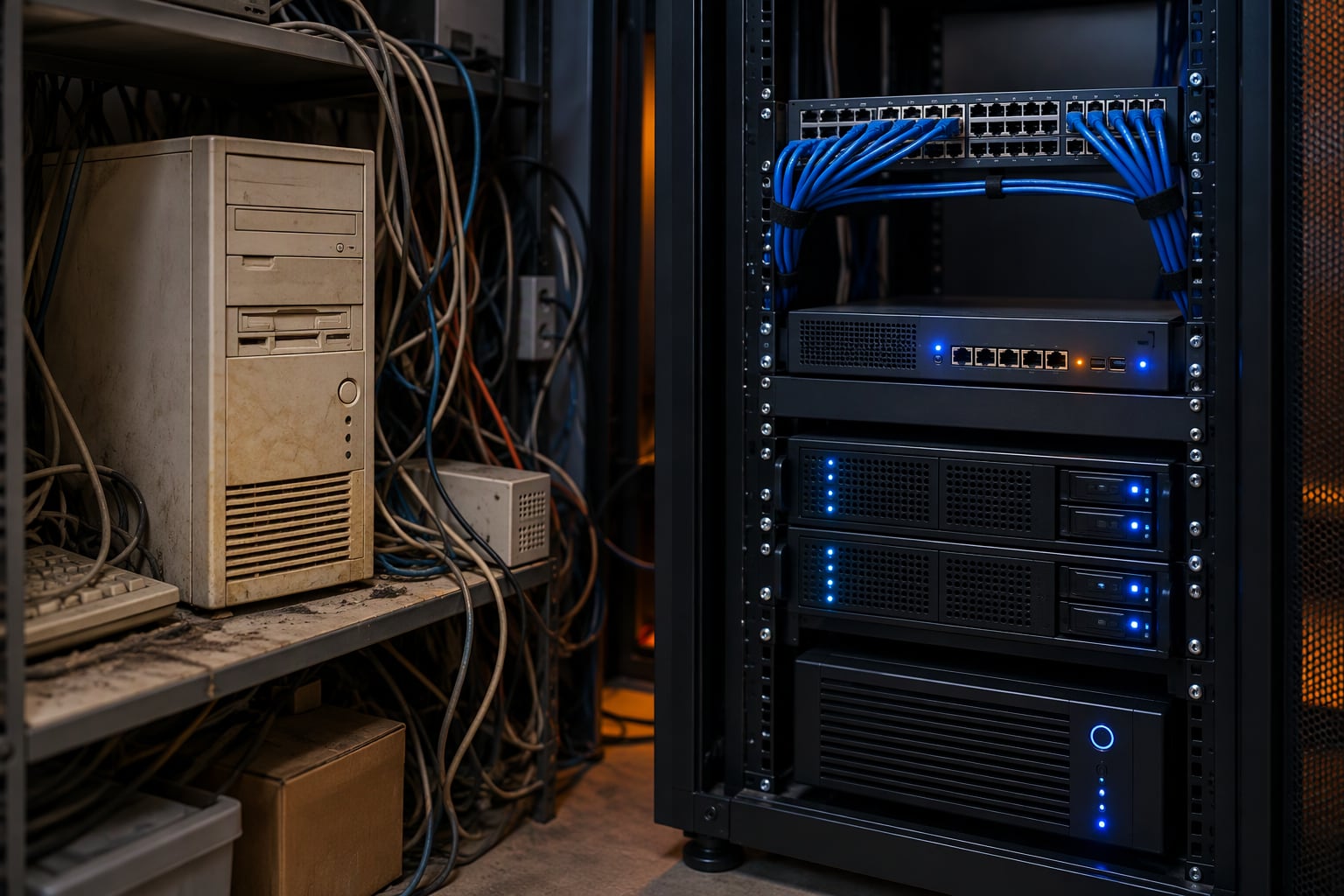 A phased modernization plan replaces aging systems before they become emergencies.
What to do when an outage happens anyway
Even well-maintained businesses can be affected by outages outside their control, including failures involving cloud providers, telecommunications carriers, software vendors and industry-wide infrastructure.
When something goes wrong:
- Check official status sources first. Review the provider’s status page before assuming that the problem is inside your organization.
- Communicate early. Tell employees what is affected, what is still working and which workarounds are available.
- Avoid knee-jerk fixes. Rebooting, reinstalling or reconfiguring systems during a provider-side outage can create additional problems.
- Preserve evidence. Record error messages, times, affected users and troubleshooting steps in case the issue requires escalation.
- Watch for scams. Attackers frequently take advantage of public outages by sending fake “service restored,” “reset your password” or “verify your account” messages.
- Conduct a brief after-action review. Once service is restored, document what worked, what failed and what should change before the next outage.
How Streamline Networks can help
Since 2001, Streamline Networks has helped businesses in Gainesville, across Georgia and throughout the US manage, secure and modernize their IT. Here's how we approach legacy technology risk and outages for our clients:
- Asset inventory and lifecycle planning. We document your hardware and software, track support status and build a practical, phased replacement roadmap that fits your budget.
- 24/7 monitoring. Our team watches your systems around the clock so problems are caught early, often before your staff notices.
- Layered cybersecurity. Managed SOC, EDR, email security, security awareness training and dark web monitoring help protect both new systems and the older ones you still rely on.
- Networking and firewalls. We segment and lock down legacy devices so a single aging system doesn't expose your whole network.
- Backup and business continuity. We help make sure critical data is backed up, recoverable and covered by a plan your team understands.
- Proactive communication during outages. When a broader service disruption happens, we post updates on the outage banner in the Streamline Client Center and keep our Microsoft Outages & Health page current, so you know what's going on without having to chase answers.
- One transparent monthly rate. Planning and support are included, so modernization conversations don't come with surprise bills.
Whether the risk is a floppy disk or a server that's a few years past its prime, the goal is the same: know what you depend on, protect it, and replace it on your schedule, not in a crisis.
Ready to find the legacy risks hiding in your environment? Get a quote or call 678-450-2400.