Build a Hardware Refresh Plan That Smooths Out Your IT Budget

Most businesses don't plan to replace a server. The server decides for them, usually at the worst possible moment. Laptops are the same. A handful die in the same quarter, and suddenly an unplanned expense lands on the books. A hardware refresh plan turns those surprises into predictable, budgeted line items. It doesn't take expensive software or a full-time IT department to build one. Here's a practical way to get started.
Step 1: Know what you actually own
You can't plan replacements for equipment you haven't counted. Start with a simple inventory, even a spreadsheet, that lists every device your business depends on.
- Endpoints: desktops, laptops, tablets and company-owned phones
- Infrastructure: servers, network storage, firewalls, switches and Wi-Fi access points
- Peripherals that matter: multifunction printers, scanners, conference room gear and UPS battery backups
For each item, record the make and model, serial number, purchase date, warranty end date, assigned user or location, and operating system or firmware version. If you already use a management or monitoring tool, much of this can be pulled automatically. Fill in the purchase dates from invoices where needed.
Step 2: Set a target lifespan for each device type
There's no universal rule, but most businesses settle on a planned service life for each category and stick to it. Some common factors to weigh:
- Warranty coverage: Many organizations align replacement with the end of the manufacturer's warranty, so failures are covered while a device is in service.
- Vendor support and updates: Firewalls, switches and access points stop receiving firmware and security updates at a published end-of-support date. Once that date passes, the device becomes a security liability, even if it still powers on.
- Operating system requirements: New versions of Windows and business applications set minimum hardware requirements. Older machines may not qualify for upgrades.
- How hard the device works: A laptop that travels daily wears out faster than a reception desktop. A server running your line-of-business application deserves a more conservative schedule than a spare file share.
Write your targets down, for example a set number of years for laptops, desktops, servers and network gear. Then check each one against the vendor's support dates. When in doubt, the vendor's end-of-support date wins.
Step 3: Stagger replacements instead of doing them all at once
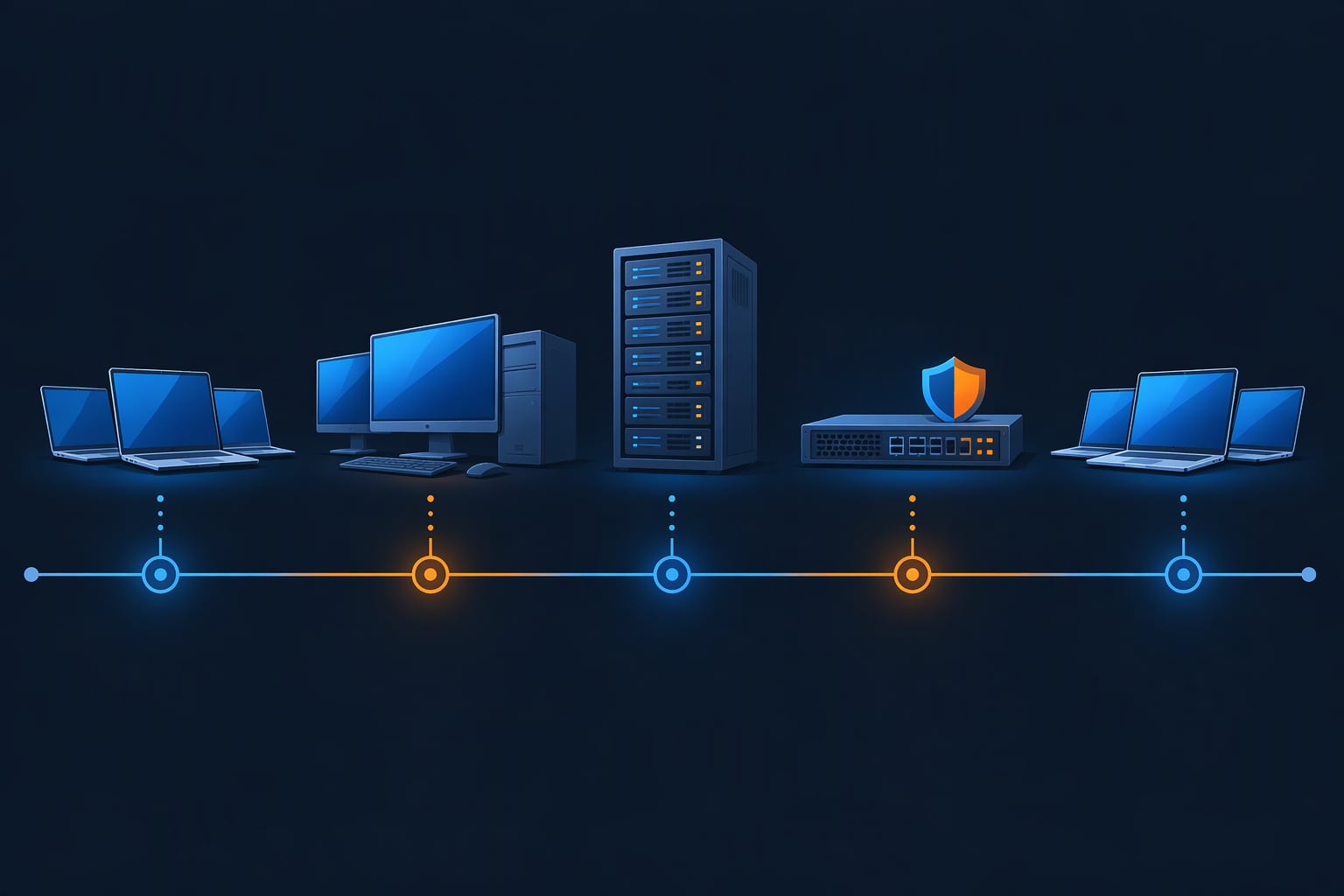
The biggest budgeting mistake is buying every computer in the same year. Five years later they all age out together. Instead:
- Sort your inventory by purchase date.
- Divide endpoints into groups so that roughly an equal share is replaced each year. With a four-year cycle, that means about a quarter of devices annually.
- Schedule major infrastructure, such as servers and firewalls, in years when endpoint spending is lighter if you can.
- Prioritize the oldest, least reliable and unsupported devices first.
This approach flattens your spending curve, makes rollouts more manageable for your team, and avoids a disruptive "everyone gets a new laptop the same week" project.
Step 4: Turn the plan into a budget
Once you know what's being replaced and when, put numbers to it. Use current quotes rather than guesses, and remember to include:
- The hardware itself, plus any extended warranty you choose
- Software licenses tied to the device, if any
- Setup, data migration and deployment time
- Accessories such as docks, monitors and power adapters
- Secure disposal of the old equipment
Also decide how you want to pay. Some businesses prefer to buy outright and depreciate the equipment. Others lease or use a hardware-as-a-service arrangement to keep costs monthly. Talk with your accountant about which option fits your tax situation and cash flow.
Step 5: Standardize your models
Buying the same few models of laptops and desktops makes everything easier. Spare parts are interchangeable, setup can be automated, troubleshooting is faster, and your help desk sees fewer one-off quirks. Pick a standard business-grade model for each role (general office, power user and mobile staff) and review those choices once a year.
Step 6: Retire old devices safely
A refresh plan isn't finished until the old equipment is handled properly. Drives in retired laptops, servers, copiers and phones can still hold sensitive data.
- Back up and migrate any data the user needs.
- Remove the device from Microsoft 365, device management and security tools so licenses are freed up.
- Wipe or destroy storage using a recognized method. NIST Special Publication 800-88 is a widely used reference for media sanitization.
- Keep a record of what was disposed of, when and how. It's useful for compliance and cyber insurance questions.
- Update your inventory so the device is marked as retired.
Step 7: Review the plan every year
Schedule a short annual review, ideally before you set next year's budget. Ask yourself a few questions:
- Did any devices fail early or last longer than expected?
- Have any vendor end-of-support dates been announced?
- Is the business adding staff, offices or new applications that change your needs?
- Are there security requirements, from insurers or customers, that older equipment can't meet?
A good refresh plan doesn't eliminate hardware costs. It makes them predictable, so technology spending becomes a decision you make on purpose instead of a surprise.
How Streamline Networks can help
Since 2001, Streamline Networks has helped businesses across Georgia and the US plan their technology spending instead of reacting to it. Our managed IT services include the monitoring and asset tracking that make a refresh plan practical:
- Asset inventory and lifecycle tracking: Our 24/7 monitoring tools help keep an up-to-date picture of your devices, their age, warranty status and operating system versions.
- Technology roadmaps and budgeting: We work with you to build a multi-year replacement schedule and flag upcoming end-of-support dates for servers, firewalls, switches and Wi-Fi gear.
- Procurement and deployment: We help you choose standard business-grade models, then set them up, migrate data, and enroll them in Microsoft 365 and our security stack, including EDR.
- Secure retirement: We help remove old devices from your systems and coordinate secure data wiping and disposal.
- Compliance and insurance readiness: Keeping hardware supported and documented makes it easier to answer the questions auditors and insurers ask.
All of this comes with one transparent monthly rate, so your support costs are as predictable as your hardware plan.
Ready to take the guesswork out of hardware spending? Get a quote or call 678-450-2400.